Independent project · Android
Wireless Android Auto for your Zontes.
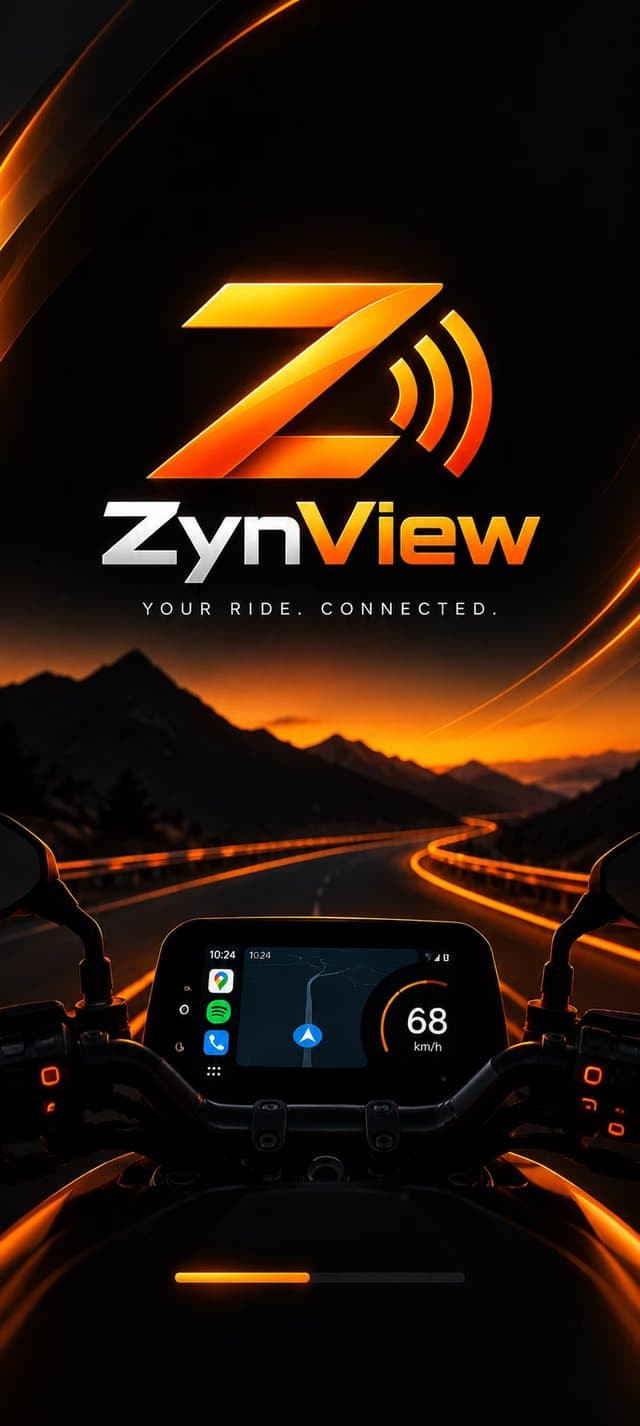
ZynView connects your Android phone to a compatible Zontes dash over Wi-Fi and starts Android Auto on the bike’s screen, with no dongle and no permanently connected USB cable.
Verified on the Zontes 368G Enduro. Other models are untested; see the compatibility page.
How it works
Three steps, the first two only once.
- 1
Prepare Android Auto
Turn on Android Auto’s head unit server once. ZynView walks you through it and checks it for you.
- 2
Pair your dash
Put the dash on its screen-mirroring page and scan the QR code it shows. You only do this once.
- 3
Connect and ride
Tap Connect. ZynView joins the dash over Wi-Fi and Android Auto appears on the bike’s screen.
Full details in the installation guide.
Built for the ride, honest about the limits
No dongle, no cable
The phone and dash talk over Wi-Fi. For the intended workflow you do not need an extra adapter or a USB cable plugged in.
Guided setup
The app will not let you skip a step that would make the connection fail. Each one explains why it is needed.
Plain-language diagnoses
When something is wrong, ZynView names the one thing to fix instead of showing a generic error.
Private by design
No account and no analytics. Logs stay on your phone unless you choose to share them. The app is supported by ads.
Made for the bike
A dark interface with large controls, designed to be used on a handlebar mount.
Honest about support
Verified on one bike so far. The compatibility page says exactly what is tested and what is not.
What is verified today
Compatibility depends on the bike model, dash firmware, phone and Android Auto version. See the full details.
Download for Android
The first public build has not been released yet, so there is no download. Email derrouicheamine@gmail.com to be told when it is available.
Download not available yetContact ZynView
ZynView is built and supported by one developer. Write to say what happened and we will reply by email. For connection problems, include your phone model, Android version, bike model and the logs from the app (Logs, then Share).
Contact ZynViewderrouicheamine@gmail.com
Report
- Installation problems
- Connection or compatibility issues
- Bugs and crashes
- Feature requests
- General questions